100+ countries, 3,000+ cities.
Dedicated lines; clear, stable calls.
From ¥0.15/min outbound.
Complete application in 1 day.

Cross‑border preferred
Enjoytalk partners with global carriers to provide local numbers and international toll‑free lines in 100+ countries, offering one‑click cloud onboarding, centralized resource orchestration, SIP/dedicated trunk access, multilingual agents, intelligent IVR, call recording and BI. Fast deployment, elastic scaling and compliance controls help cross‑border companies cut costs, boost efficiency and quickly capture overseas markets.
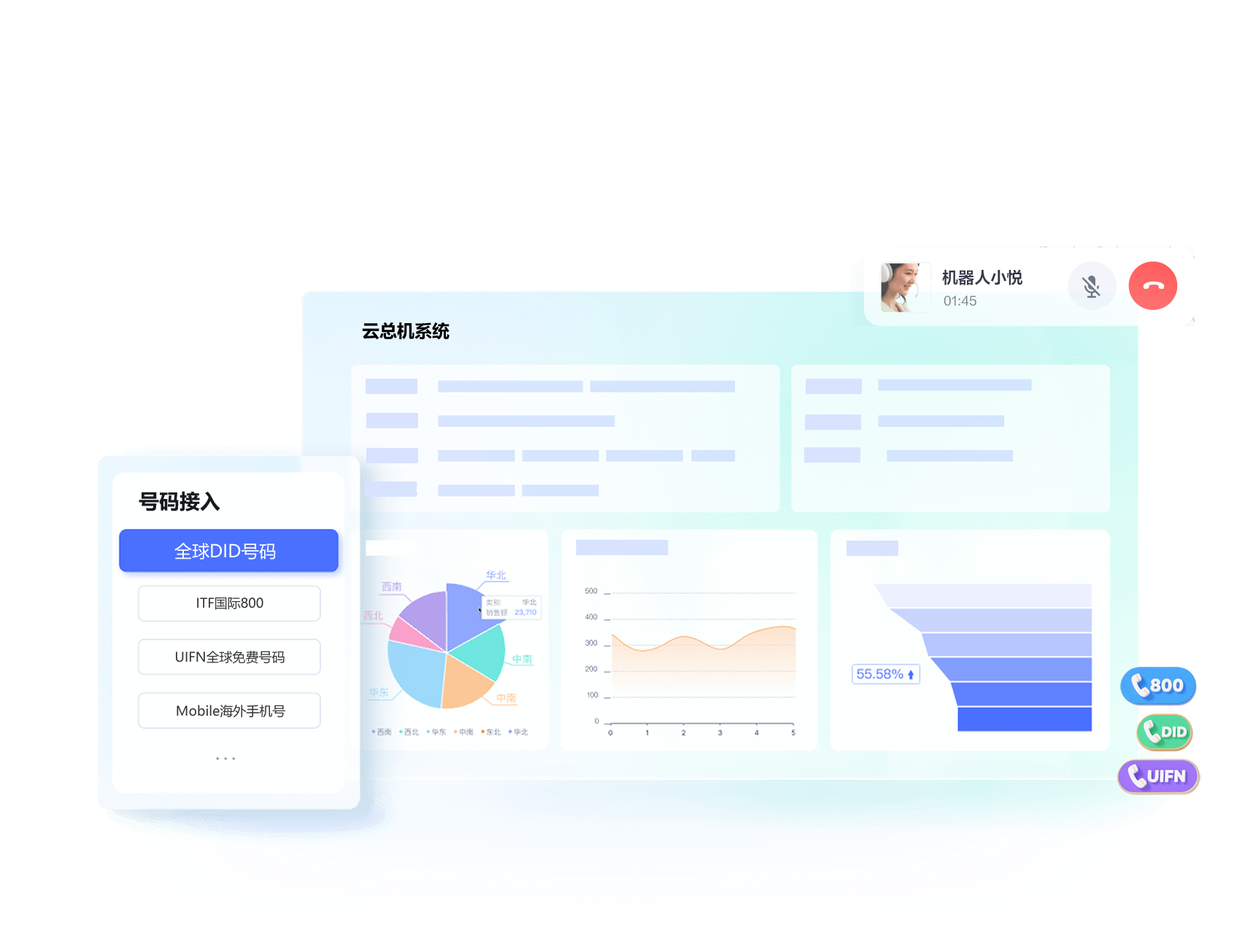



Flexible multi-level and time-based IVR, personalized greetings, support for voice upload and TTS-to-voice, enabling callers to quickly find their destination.
Preset call forwarding, call pickup, call transfer, call hold, and multi-party calling functions, making call handling easy.
Support PBX service with free internal calls between PBX and extensions. Answer global numbers from one place, support integration with mobile networks for enterprise branches, significantly reducing costs.
Forward calls to colleague's desk phone when busy, or to your mobile when away, so you never miss a client call.
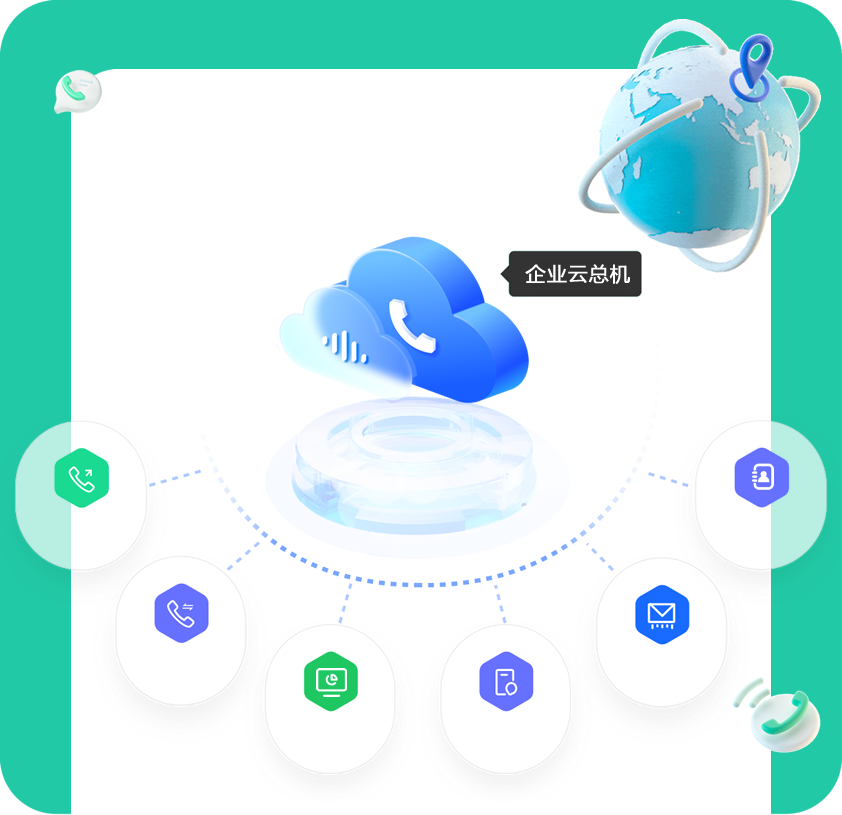
Corporate contacts presented by organizational structure, updated automatically; manage client numbers with retention after staff leave to prevent client loss.
Set multi-level admin permissions to manage enterprise, department, and personal accounts, ensuring safety and compliance.
Innovative prepaid/postpaid hybrid model, with no charge for customer-owned access; flexible choice based on business needs.
Summarize call counts and durations by custom time periods and extensions, export in Excel format for analysis and reporting.
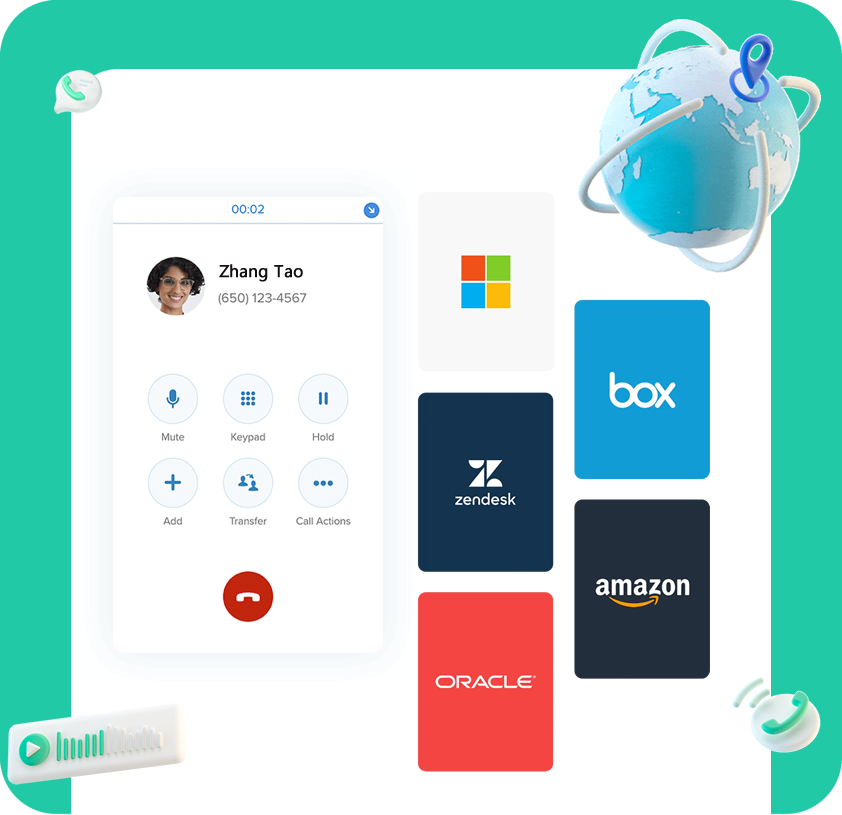
Deploy voice nodes in major hubs like Hong Kong, North America, and Singapore to provide dedicated-line HD voice service, free internal extension calls, no roaming, lowering cross-border communication costs.
Support multi-terminal conference initiation via mobile, landline, or PC, with one-click join, strong controls such as invite, mute, remove participant, and conference recording.
Works with desk phone, PC softphone, mobile app, and WebRTC, meeting global communication needs anytime.
Mobile app and web extensions integrate seamlessly with systems like call centers and Salesforce, boosting productivity.

Supports random, round-robin, memory, dynamic, and interactive routing for precise call distribution, e.g., quickly connecting overseas calls to overseas teams.

Supports multi-level voice menus with voice upload and TTS-to-voice, accurate call routing for better communication experience.

Supports preset call forwarding, pickup, transfer, hold, and multi-party calling.

Bi-directional agent recording, generating HD audio files for instant playback and download.

Supports desk phone, PC softphone, mobile app, and WebRTC calls.

Branch offices share the same cloud PBX with HQ, free internal calls between branches via extensions.

Enterprises can manage outbound, recording, and other permissions by staff; supports data aggregation and summary report queries.

API for numbers, PBX, and extensions; integrates with 200+ applications to enhance communication capabilities.

Initiate multi-party calls with extensions and external numbers, with controls like mute/unmute and lock conference.
dedicated-line voice service
100+ countries, 3,000+ cities.
Dedicated lines; clear, stable calls.
From ¥0.15/min outbound.
Complete application in 1 day.

Free service hotline
70+ countries/regions.
Dedicated lines; clear, stable calls.
No domestic long-distance fees.
Improve company image.
Global unified toll-free hotline
Supports 60+ Countries & Regions
No Roaming Fees for Registration, Calling & Answering
Free Calls to Global Numbers
SIP Cloud Dedicated Line
100+ Countries, 3000+ Cities
Dedicated Line (Clear & Stable Calls)
Outgoing Calls as Low as ¥0.15/min
United States
+1
From ¥0.15/min
United Kingdom
+44
From ¥0.16/min
Canada
+1
From ¥0.15/min
Australia
+61
From ¥0.2/min
Singapore
+65
From ¥0.2/min
Hong Kong, China
+852
From ¥1.02/min
Japan
+81
From ¥0.92/min
Philippines
+63
From ¥2/min
Taiwan, China
+886
From ¥2/min
Italy
+39
From ¥0.15/min
Mexico
+52
From ¥0.15/min
Spain
+34
From ¥0.35/min
United States
+1
From ¥0.15/min
United Kingdom
+44
From ¥0.16/min
Canada
+1
From ¥2/min
Australia
+61
From ¥3/mo
France
+33
From ¥2/min
Israel
+972
From ¥2/min
Angola
+244
From ¥36/mo
Argentina
+54
From ¥4/mo
Austria
+43
From ¥3/mo
Bahrain
+973
From ¥16 conn. + ¥15/mo
Belgium
+32
From ¥2/min
Bolivia
+591
From ¥230 conn. + ¥32/mo
Bosnia and Herzegovina
+387
From ¥3/mo
Brazil
+55
From ¥3/mo
Bulgaria
+359
From ¥2/min
Cambodia
+855
From ¥40 conn. + ¥55/mo
Cameroon
+237
From ¥30 conn. + ¥25/mo
Chile
+56
From ¥4/mo
Colombia
+57
From ¥8/mo
Costa Rica
+506
From ¥16/mo
Croatia
+385
From ¥2/min
Cyprus
+357
From ¥6/mo
Czech Republic
+420
From ¥2/min
Denmark
+45
From ¥2/min
Dominica
+1
From ¥25 conn. + ¥16/mo
Ecuador
+593
From ¥160 conn. + ¥97/mo
Egypt
+20
From ¥28 conn. + ¥29/mo
El Salvador
+503
From ¥7/mo
Estonia
+372
From ¥5/mo
Finland
+358
From ¥3/mo
Georgia
+995
From ¥4/mo
Germany
+49
From ¥2 conn. + ¥3/mo
Ghana
+233
From ¥25/mo
Greece
+30
From ¥3/mo
Guadeloupe
+590
From ¥8 conn. + ¥8/mo
Guatemala
+502
From ¥12/mo
Hong Kong, China
+852
From ¥5/mo
Hungary
+36
From ¥3/mo
Iceland
+354
From ¥9/mo
India
+91
From ¥22 conn. + ¥26/mo
Indonesia
+62
From ¥20/mo
Italy
+39
From ¥2/min
Jamaica
+1
From ¥7 conn. + ¥8/mo
Japan
+81
From ¥6/mo
Jordan
+962
From ¥25 conn. + ¥16/mo
Kazakhstan
+77
From ¥6/mo
Kenya
+254
From ¥9/mo
South Korea
+82
From ¥14/mo
Latvia
+371
From ¥2/min
Lithuania
+370
From ¥2/min
North Macedonia
+389
From ¥7 conn. + ¥21/mo
Malaysia
+60
From ¥16/mo
Malta
+356
From ¥5/mo
Martinique
+596
From ¥18/mo
Mauritius
+230
From ¥14 conn. + ¥17/mo
Mayotte
+262
From ¥18/mo
Mexico
+52
From ¥2/min
Moldova
+373
From ¥45 conn. + ¥45/mo
Netherlands
+31
From ¥3/mo
New Zealand
+64
From ¥3/mo
Nicaragua
+505
From ¥28/mo
Norway
+47
From ¥2/min
Pakistan
+92
From ¥14 conn. + ¥16/mo
Panama
+507
From ¥7/mo
Paraguay
+595
From ¥68 conn. + ¥68/mo
Peru
+51
From ¥5/mo
Philippines
+63
From ¥10/mo
Poland
+48
From ¥2/min
Portugal
+351
From ¥2/min
Puerto Rico
+1
From ¥3/mo
Reunion
+262
From ¥24/mo
Romania
+40
From ¥2/min
Saudi Arabia
+966
From ¥50 conn. + ¥55/mo
Serbia
+381
From ¥3/mo
Singapore
+65
From ¥5/mo
Slovakia
+421
From ¥2/min
South Africa
+27
From ¥2/min
Spain
+34
From ¥2/min
Sweden
+46
From ¥2/min
Switzerland
+41
From ¥2/min
Taiwan Region, China
+886
From ¥55 conn. + ¥16/mo
Thailand
+66
From ¥6/mo
Turkey
+90
From ¥4/mo
Uganda
+256
From ¥10 conn. + ¥10/mo
Ukraine
+380
From ¥2/min
United Arab Emirates
+971
From ¥25 conn. + ¥38/min
Uruguay
+598
From $80 conn. + $80/min
Uzbekistan
+99
From $24 conn. + $24/min
Venezuela
+58
From $12/min
Vietnam
+84
From $15/min
Wholly owned subsidiary of China Poly Group; provides equity investment, private funds, factoring, and leasing; launched global hotlines via Enjoytalk.
Solutions:
1.Cloud lines: apply for US/UK numbers with corporate documents and register them to IP phones via SIP.
2.Increase concurrency: allow multiple agents to handle inbound and outbound calls on one number simultaneousl.
3. Cloud PBX: open extensions per user count; staff call each other free via extensions.

Didadi Logistics Technology — global cross‑border e‑commerce logistics provider, Amazon ShipTrack carrier and Amazon SPN service provider; launched a cross‑border customer service hotline via Enjoytalk.
Solutions:
1.Cloud lines: apply for US/UK numbers with corporate documents and register them to IP phones via SIP.
2.Increase concurrency: allow multiple agents to handle inbound and outbound calls on one number simultaneousl.
3. Cloud PBX: open extensions per user count; staff call each other free via extensions.

Leading listed tools company with several century‑old global brands and 23 production bases; deployed a global multi‑branch cross‑border communication network via Enjoytalk.
Solutions:
1.Cloud lines: apply for US/UK numbers with corporate documents and register them to IP phones via SIP.
2.Increase concurrency: allow multiple agents to handle inbound and outbound calls on one number simultaneousl.
3. Cloud PBX: open extensions per user count; staff call each other free via extensions.

Enjoytalk Cloud PBX is a new-generation enterprise intelligent communication solution launched by Enjoytalk based on cloud computing technology. Through the SaaS model, it provides professional enterprise-level communication services, integrating voice calls, video conferencing, instant messaging, intelligent customer service, and other functions to help enterprises achieve efficient internal and external communication without the need to deploy local hardware equipment, ready to use instantly.
Enjoytalk Cloud PBX has significant advantages:
The activation process is simple and efficient:
Adopts a transparent and flexible billing model:
Multiple technical guarantees for service quality:
Enjoytalk provides comprehensive technical support:
Fully supports retention and use of existing numbers:
Enjoytalk perfectly supports remote work scenarios:
Adopts financial-grade security protection standards:
Enjoytalk provides comprehensive technical support:


Hotline: (+086)
4009-030-196
Business Cooperation: gaojianmi@dtel.com
Get Started Now

Number Services
Enterprise Services
© Enjoytalk Limited. All Rights Reserved.
Scan to add customer service on WeChat

Open WeChat → Scan → Add customer service